Downstream-preserving edits
Edit without breaking
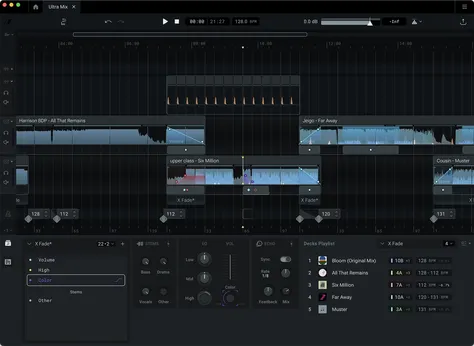
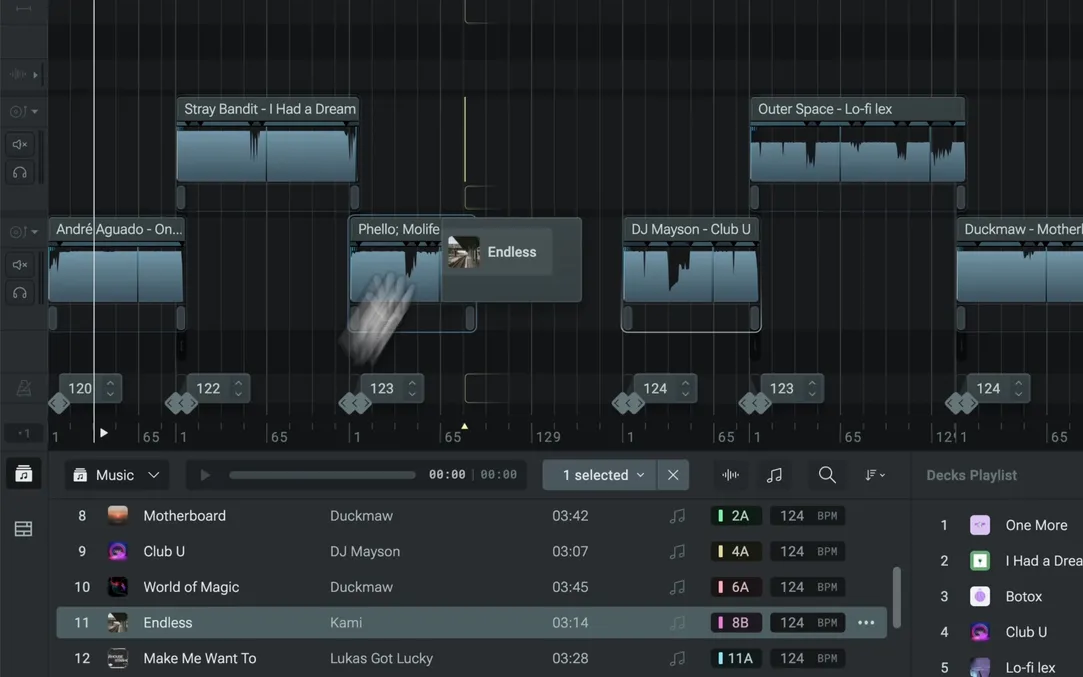
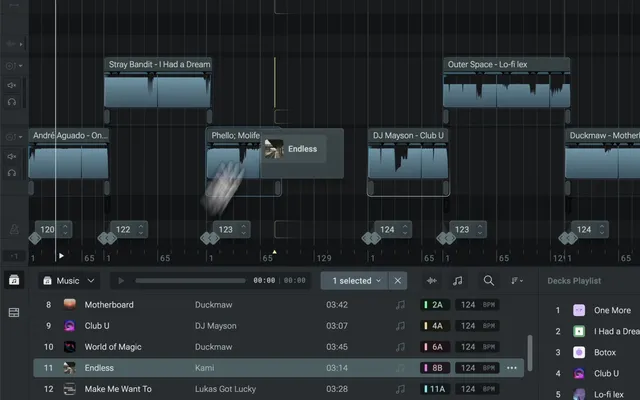
Insert, move or remove a track at any point, and every transition after it stays exactly as you built it.
As seen on

(TODO) We need something here gives a quick overview of the features and back up the pro-grade and fluid workflow/UX claims.
Multi-hour, beat-matched, built across as many evenings as you need.
Make a mixtapeLong-form flow with room for voice breaks, and last week's transitions ready to reuse.
Build a radio showVocals from one track, drums from another. Clean stems and Signalsmith time-stretching, right on your mix timeline.
Make an edit“I’m quite impressed with the intuitiveness and how well the transitions and effects work. I didn’t even watch any tutorials and was able to figure out all basic functions pretty quickly.”
“I am really happy to have found DropLab. I have a radio show here in Mexico and I was going crazy with time, I couldn’t record the live sets anymore. This is saving me a lot of time.”
“DropLab is the most simple way to create mixes & mashups on the go. If you don’t have your decks you can do your mixes anyway and test them before you play them out in the venue.”
“As a father to small children, having uninterrupted time to record mixes on decks is usually wishful thinking. DropLab saves me loads of time. The support from Vlad and Alex is world class.”
“I love the flexibility of the canvas, it lets me explore ideas for my DJ sets very quickly.”
“DropLab is a lifesaver when I forget to record my sets. It’s also great for prepping when I don’t have the time to sit at my decks.”
“I use this software for making my radio shows. Works like a charm!”
“DropLab is a game-changer for prepping songs and transitions in my sets and radio shows! 10x workflow improvement.”
(TODO) Every edit stays where you put it. Insert tracks, undo anything and let the grid follow each song’s tempo.
Downstream-preserving edits
Insert, move or remove a track at any point, and every transition after it stays exactly as you built it.
Adaptable grid
Bar 1 at the start of every song, so phrases always line up.
Undo history
Unlimited history for every action. Step back as far as you need.
Free for 14 days · No credit card · macOS & Windows
Sign in required
Simply drag & drop your tracks on the beat-synced timeline. Use transition presets or tweak your own crossfade, BPM and audio effect curves.
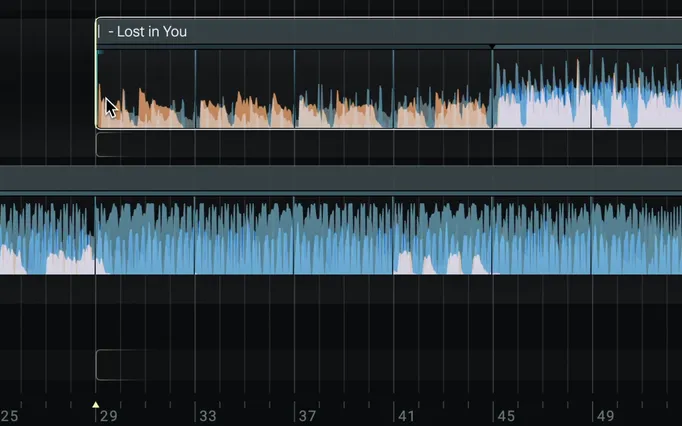
Cut in 8, 16 or 32 beat lengths.
Draw multi-point curves for volume, EQ, delay, reverb and many other audio effects.
Reorder, remove or insert new songs without breaking your existing transitions.
Break down and rebuild songs your way. Pitch-shift and time-stretch to blend vocals, drums and melodies.
Isolate vocals, drums, bass and melodies.
Cut in 8, 16 or 32 beat lengths.
Blend any key and tempo without artefacts.
Go beyond track selection. Mix in key, align phrases and experiment with energy flows on the timeline.
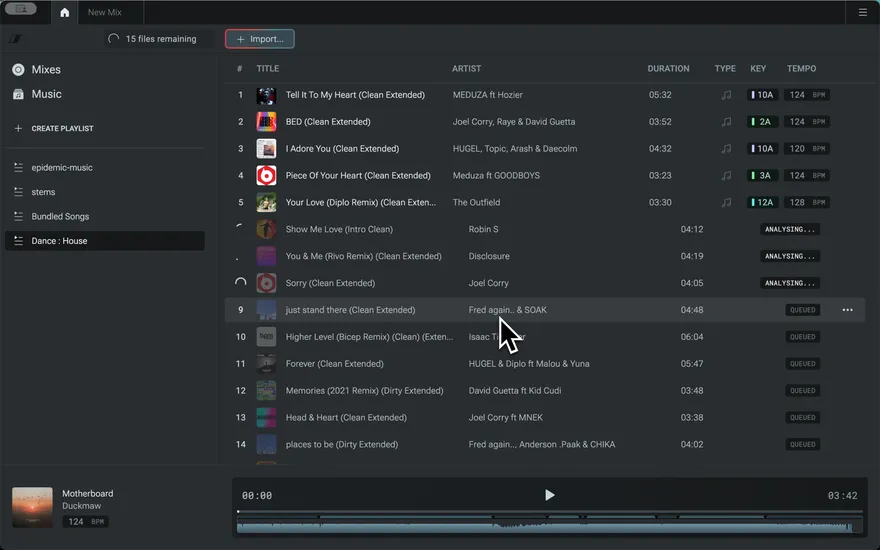
Filter by key, BPM, artist, title and more.
Mark the moments that matter.
See compatible keys at a glance, Camelot-style.
DropLab is designed and built by Vlad Voinaand
 Alex Voina
Previously worked with
ROLIiZotopeSpitfire Audio
Multiband waveforms, follow playhead, easier library browsing, and workflow improvements and fixes.
Stem separation, sync/free clip modes, resizable lanes, and many of quality-of-life improvements.
Dynamic deck playlist, unlimited effect blocks, sample lanes, multi-select and a whole load of workflow magic.
Perpetual licence that includes all the features of DropLab over a lifetime.
$89one-time
Price includes taxes.
Available for macOS and Windows
Free for 14 days · No credit card · macOS & Windows
Sign in required